Free gift
One gift, unlocked at one cart amount.
 See it in action A short tour of AndOr on a real store, from promotion to Analytics.
A gift with purchase gives shoppers a reason to add one more item. AndOr shows the goal and adds the gift, or lets shoppers choose it. A gift is only called free when it really is.
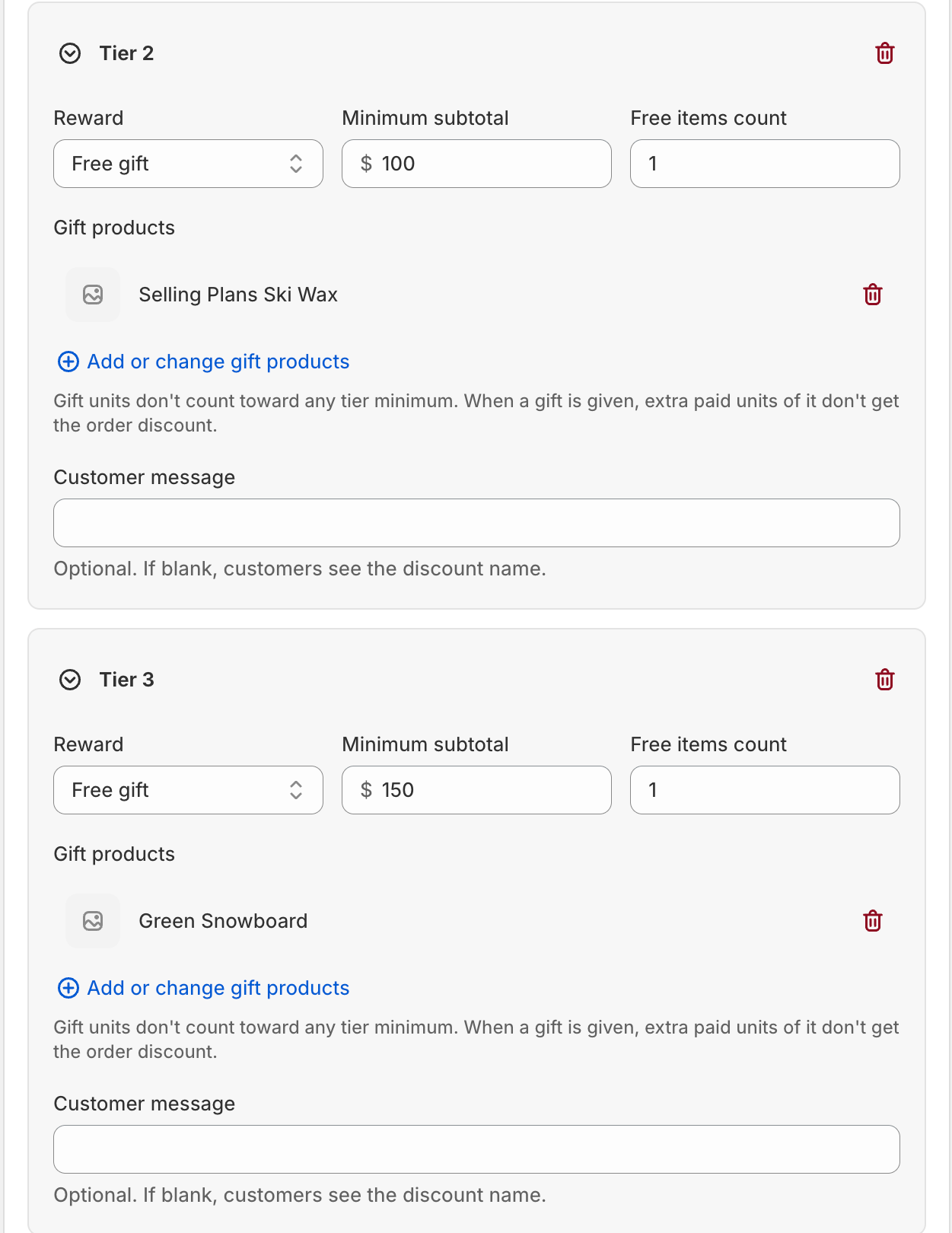
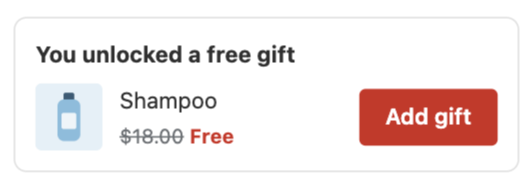
One gift, unlocked at one cart amount.
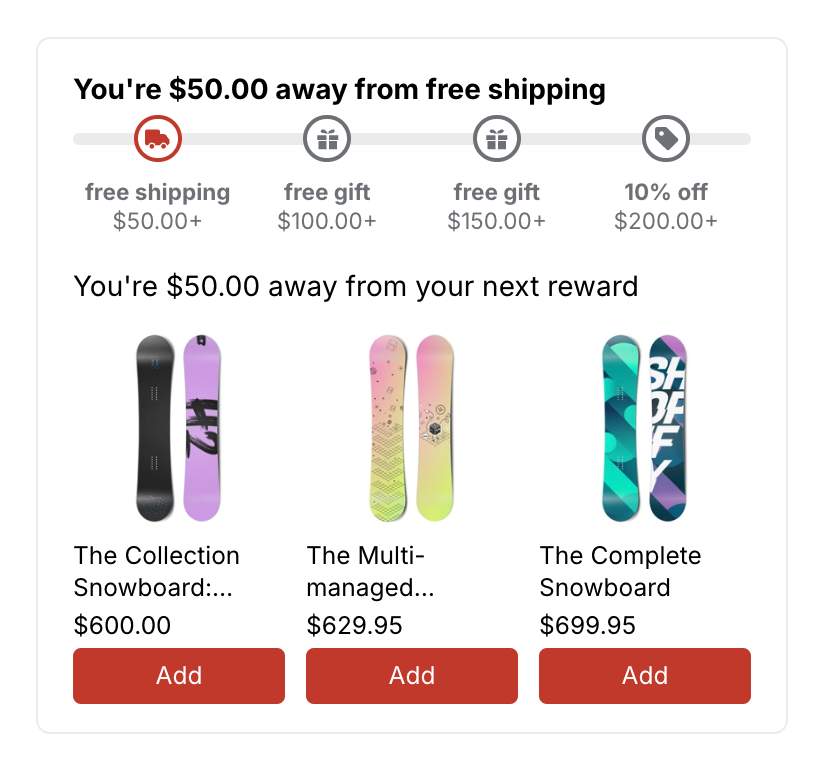
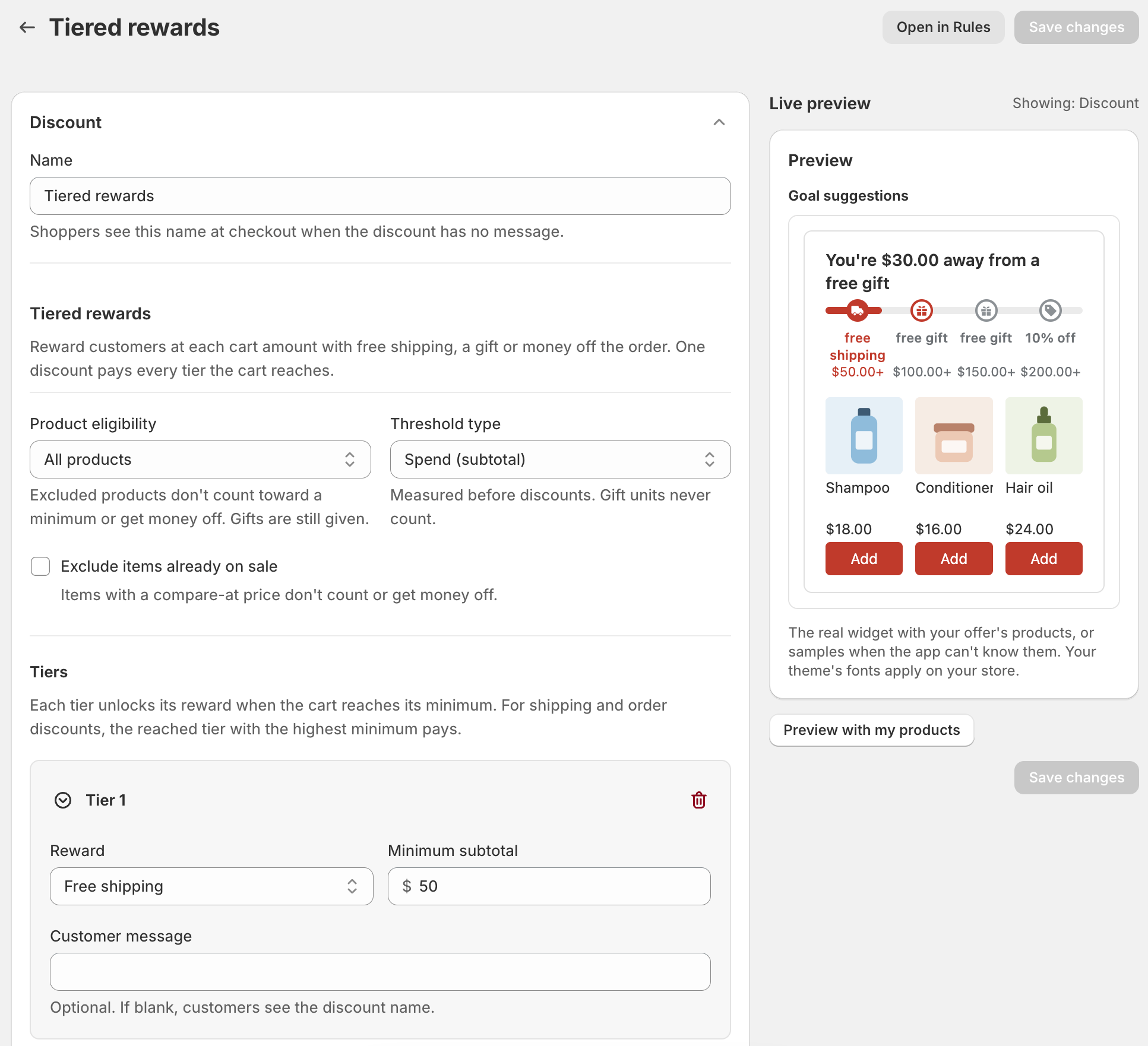
Free shipping, free gifts and money off at different cart amounts, on one progress bar.
Try itAdd items to the cart. Free shipping unlocks at $50, a free tote is added for you at $75, and at $120 the shopper chooses one more free gift.
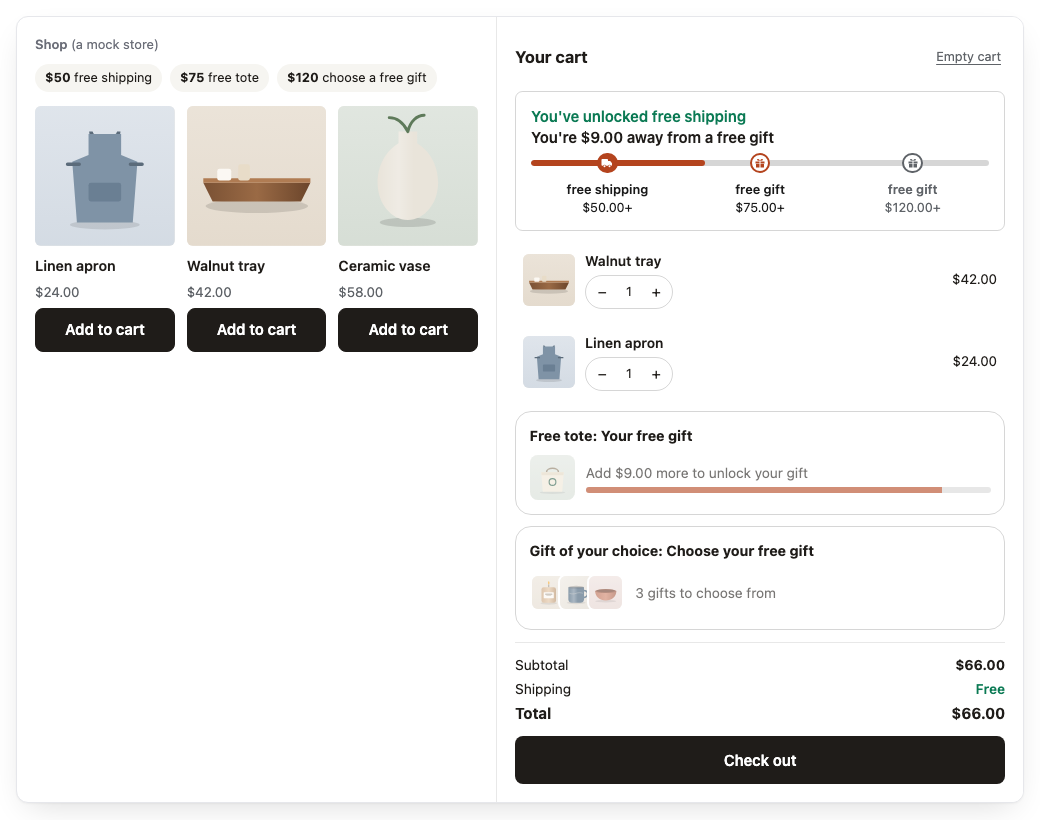
Your cart is empty.
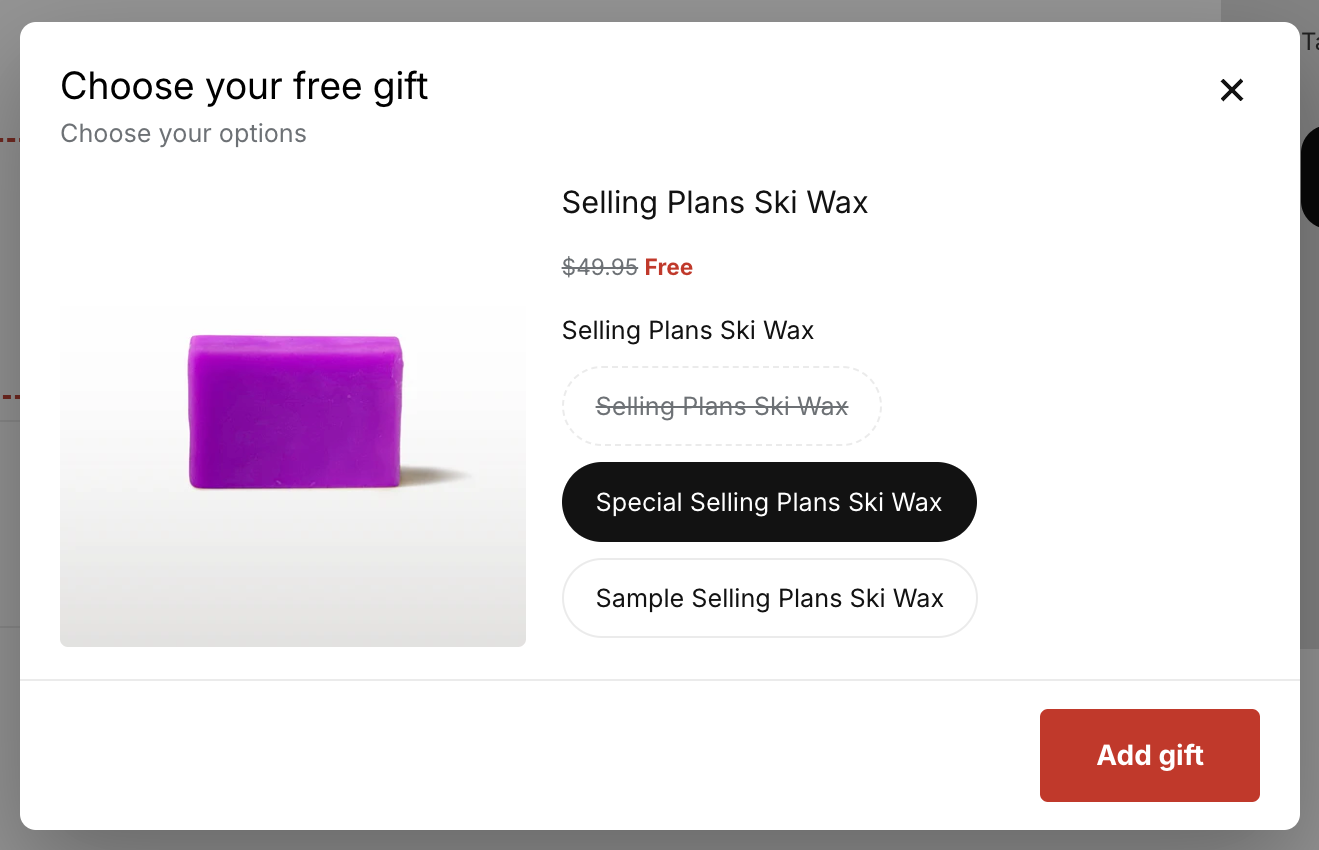
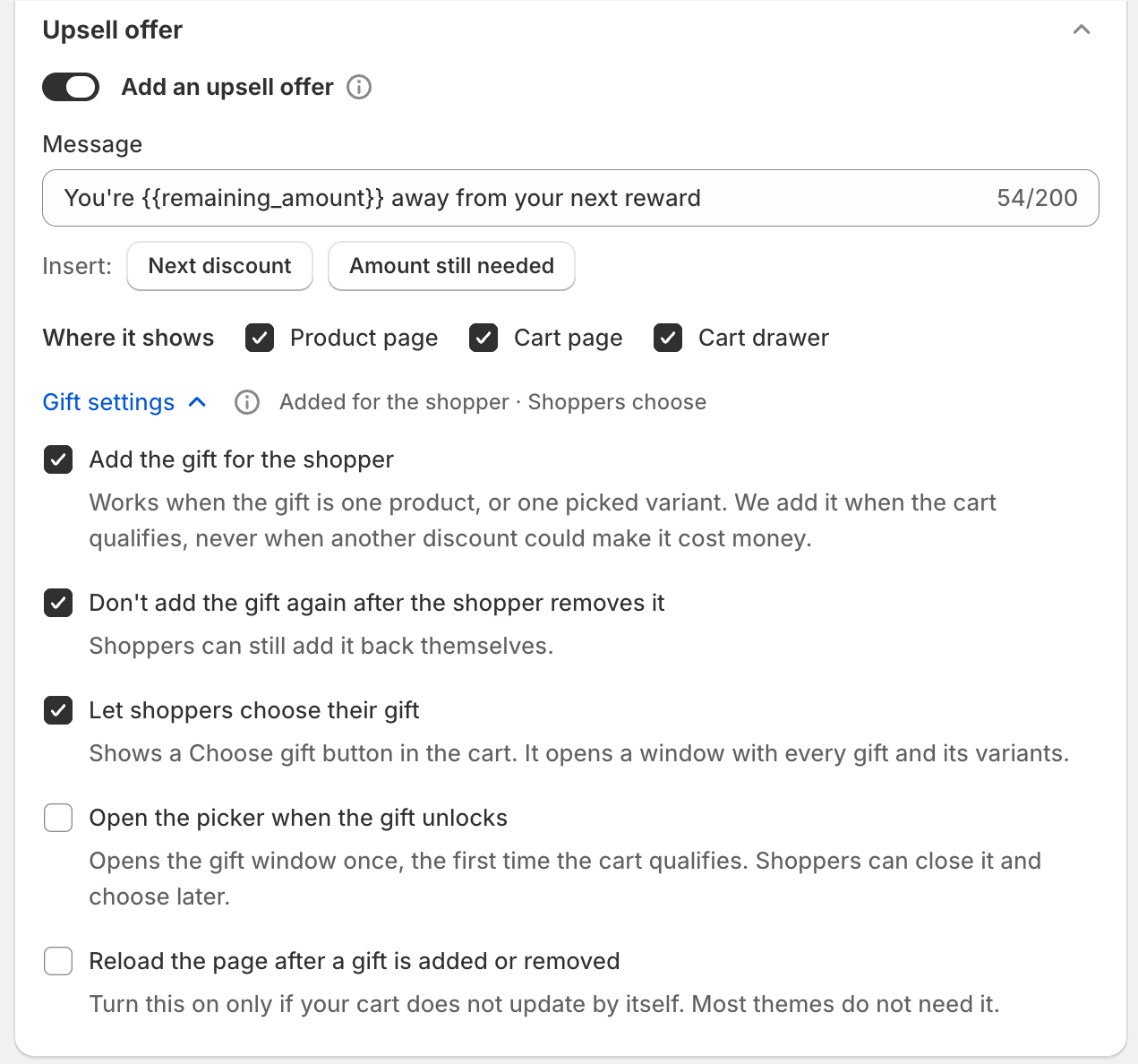
Shoppers press Choose gift in the cart. A window shows the gifts. They pick one and its options, like size or color, and add it in one step.
Turn it on with Let shoppers choose their gift in Gift settings.
Everything lives on one promotion page.
In AndOr, click Create promotion and choose Tiered rewards. Add a tier for each reward: Free shipping, Order discount or Free gift, each with the cart amount that unlocks it.
On a Free gift tier, click Add or change gift products. Then open Gift settings to add the gift for the shopper or let them choose.
Turn on the AndOr Discount Display app embed in your theme, so the goal bar and gift slot show in the cart. Click Make it live.
Giving a single free gift? Use the Free gift promotion and set Unlock the gift when the cart reaches.
A free shipping bar and an upsell offer right in the cart drawer, plus suggestions that complete the look. Shoppers add them in one click.
Upsell offersA bundle of products you pick, on the product page, with the bundle price and one Add bundle to cart button.
PromotionsSpend more, save more: the goal bar shows each reward, and suggestions help shoppers reach the next one.
PromotionsVolume tiers show the price at each quantity, with a line that says how many more to add for the next tier.
PromotionsA free gift is added when the cart reaches a goal, or shoppers choose it in the cart drawer.
Gift with purchaseA countdown shows the time left in a sale, beside the strikethrough price, with sale badges on collection cards too.
Storefront widgets











 Travel serum
 Repair shampoo
 Hair oil