 See it in action
 Test before going live
On this page
You can check most of what AndOr does before real shoppers see it. Use
the Live preview for promotions, and the draft status with
draft@draft.com for checkout.
Preview a promotion while you build it
The promotion page has a Live preview on the right. It updates as you change the discount, the widget and the upsell offer.
- Showing: tells you which part you are looking at, for example the storefront widget.
- Preview with my products: shows your own products in the preview.
- Use sample products: goes back to the sample products.
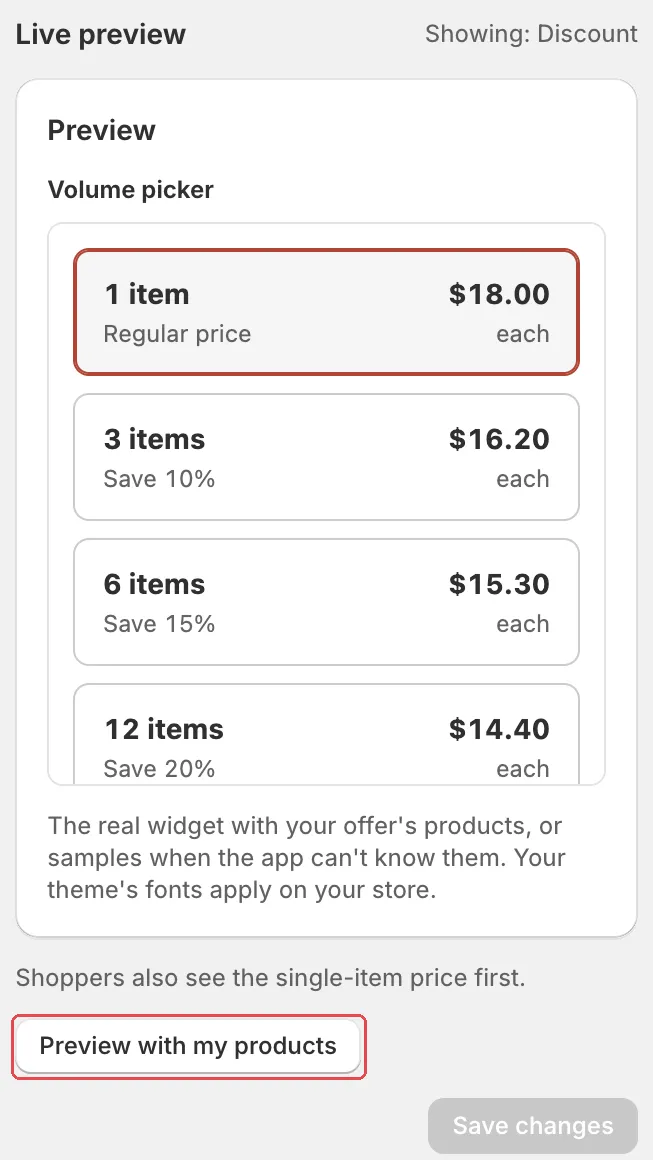
Note The preview leaves out your store’s styles. Your theme’s fonts apply on your store.
Save a promotion as a draft
Click Save as draft instead of Make it live. The discount is saved as a draft. Its widgets stay off and no upsell offer is created.
Caution Your storefront only shows active discounts. A draft promotion shows no widgets on your store, so you cannot see it there yet.
Test a draft at checkout
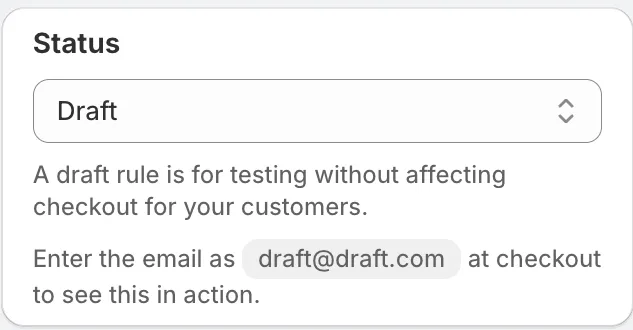
Draft rules and draft discounts run at checkout only for one email:
draft@draft.com. Real shoppers are not affected.
-
Save the rule or promotion as a draft.
-
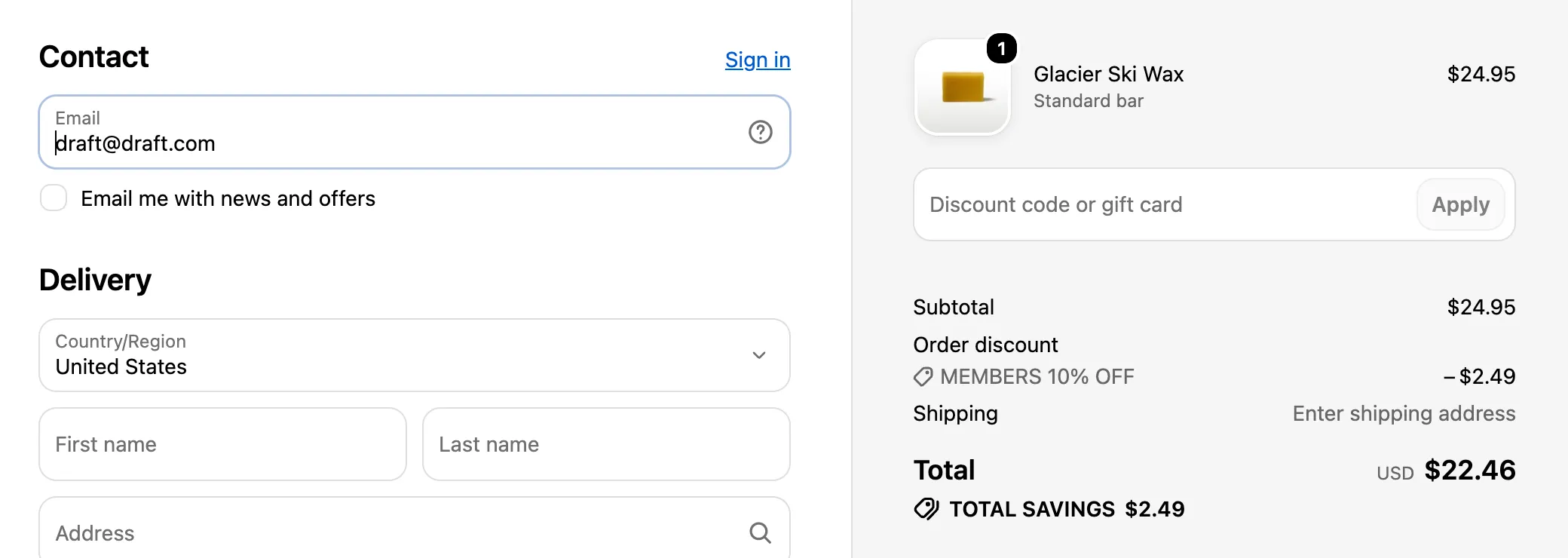
Add items that qualify, go to checkout and enter
draft@draft.comas the email.For example, for “Buy 3, get 10% off”, add three items. Check the discount, or check that the rule hides or renames what you expect.
Tip Test from your storefront, not with a draft order in the admin. Payment and shipping rules don’t show while you build a draft order.
Check a live promotion on your store
After you click Make it live, the What’s next panel helps you check it:
- See it on your store: click View on store. It opens a product, a collection or your cart from this discount in a new tab.
- Try it at checkout: click Open cart or Open store. Add more items if the discount needs them, then go to checkout.
On Promotions, the last step of the Create your first promotion guide is Check it on your store. Click Preview your store, find the badge or widget, then click Mark as done.
Note The theme editor shows a sample widget with made-up numbers when no real discount fits. Seeing a widget in the theme editor does not prove it shows on your live store. Check the store itself.