 See it in action
 Discount callout: Code
On this page
Use this code where your theme has no slot for the app block. It comes from the theme code library on the app’s Storefront blocks page. To open it, go to Promotions > More actions > See all blocks.
For every widget’s code in one place, see Add AndOr with code.
One-line tag
Each tag is one line. The app embed fills it in with the same widget as the matching app block.
Note Every tag needs the AndOr Discount Display app embed turned on. With the embed off, the tag shows nothing. See what works without the app embed.
Where to paste a tag:
- Horizon: in the theme editor, add a Custom Liquid block to the product template and paste the tag into it.
- Dawn and similar themes: paste the tag into the product section
code, usually
sections/main-product.liquid.
Free shipping callout, one line
An icon pill that advertises free shipping while a discount really gives it. It is a single tag the app embed fills in.
<andor-discount-callout></andor-discount-callout>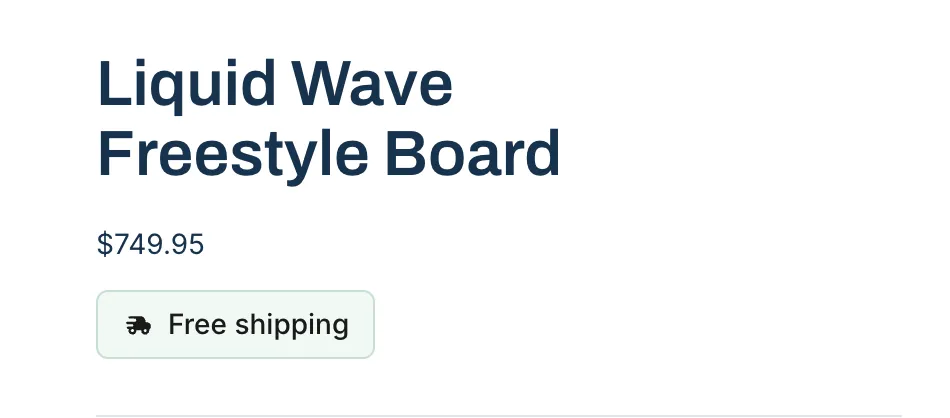
Where it goes: Wherever you want the pill. Beside the add-to-cart button in sections/main-product.liquid works. So does the top of every page, in layout/theme.liquid just after the opening <body> tag. You can also give it a section of its own.