 See it in action
 Plans and billing
On this page
AndOr has a Free plan and four paid plans. Each plan covers a number of store orders a month. Shopify bills you, and you manage your plan on the Plan page in the app.
Plans
| Plan | Price a month | Orders a month | Active rules | Rule blocks per rule |
|---|---|---|---|---|
| Free | $0 | Up to 50 | 2 in total | 2 |
| Starter | $9 | Up to 200 | 5 per rule type | 5 |
| Growth | $29 | Up to 500 | 10 per rule type | 8 |
| Pro | $49 | Up to 1,000 | 15 per rule type, and 20 discount rules | 10 |
| Scale | $99 | Up to 2,000 | 25 per rule type, Shopify’s maximum | 15 |
- Orders are every order your store receives in a calendar month, from any channel. Test orders don’t count. Cancelled orders still count.
- The count starts again on the 1st of each month. It doesn’t follow your billing date.
- Rule types are payment, shipping, checkout validation and discount.
- Draft rules are unlimited on every plan. They don’t count. Only active rules count.
- More than 2,000 orders a month? See Enterprise.
What every plan includes
Every plan, the Free plan too, includes:
- Promotions
- Storefront widgets
- Upsell offers and gifts
- Checkout rules
- Discounts
- Analytics, with the last 7 days on Free
What paid plans add
From Starter up, you also get:
- Version history and the timeline
- Import and export of rules
- The flow visual editor
- Refresh, to sync the Rules list with Shopify
- Analytics up to 90 days, with comparisons, the filter, the tables and Export CSV
- More active rules and more rule blocks per rule, as in the table
Added revenue
Analytics shows Added revenue, the value AndOr adds to your store. It isn’t a limit, and plans aren’t priced by it. See How we count.
Free trial
Every paid plan starts with a 7-day free trial.
What happens near your limit
Your store doesn’t stop at 100%. The limit is 110% of your plan’s orders.
- At 80% of your plan’s orders, a banner in the app says “You’ve used X of Y orders this month.”
- From 100% to 110%, everything keeps running. The banner says “You’re over your plan’s orders. Upgrade to keep growing.”
- At 110%, storefront widgets and upsell offers pause until next month, or until you upgrade.
Shopify discounts and checkout rules keep working the whole time. See Offers and widgets paused.
Plans don’t switch on their own. You choose your plan. The app tells you when you’re close.
Enterprise
More than 2,000 orders a month? Contact us for an Enterprise plan.
See your plan and usage
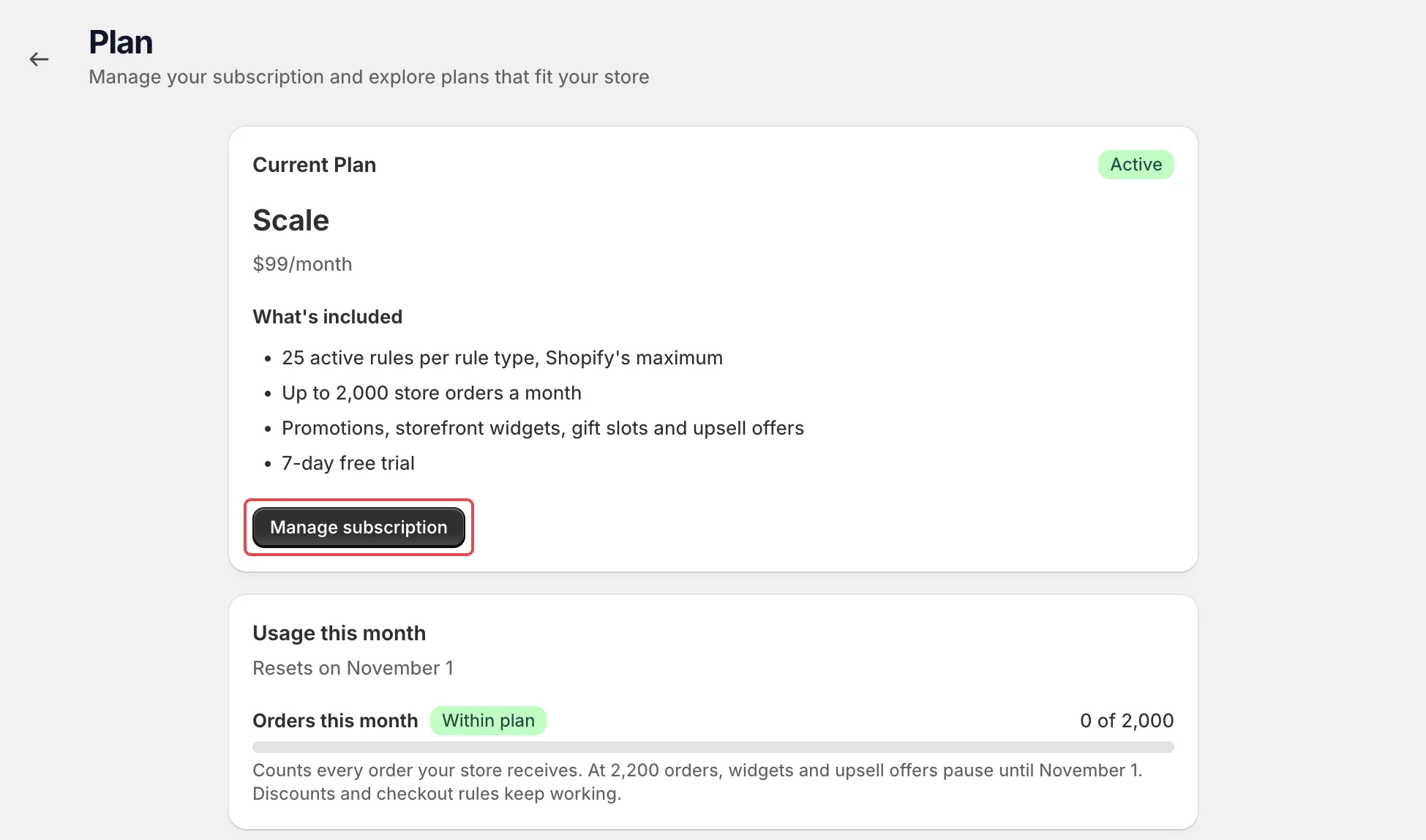
Open Plan from the app menu. It shows your plan and its status with any trial days left. The Usage this month card shows how many orders your store has had this month, the date the count starts again, and when widgets and upsell offers pause. The What happens at your order limit card below it explains the 80% warning, the 110% pause and how upgrading resumes them at once.
Change or cancel your plan
-
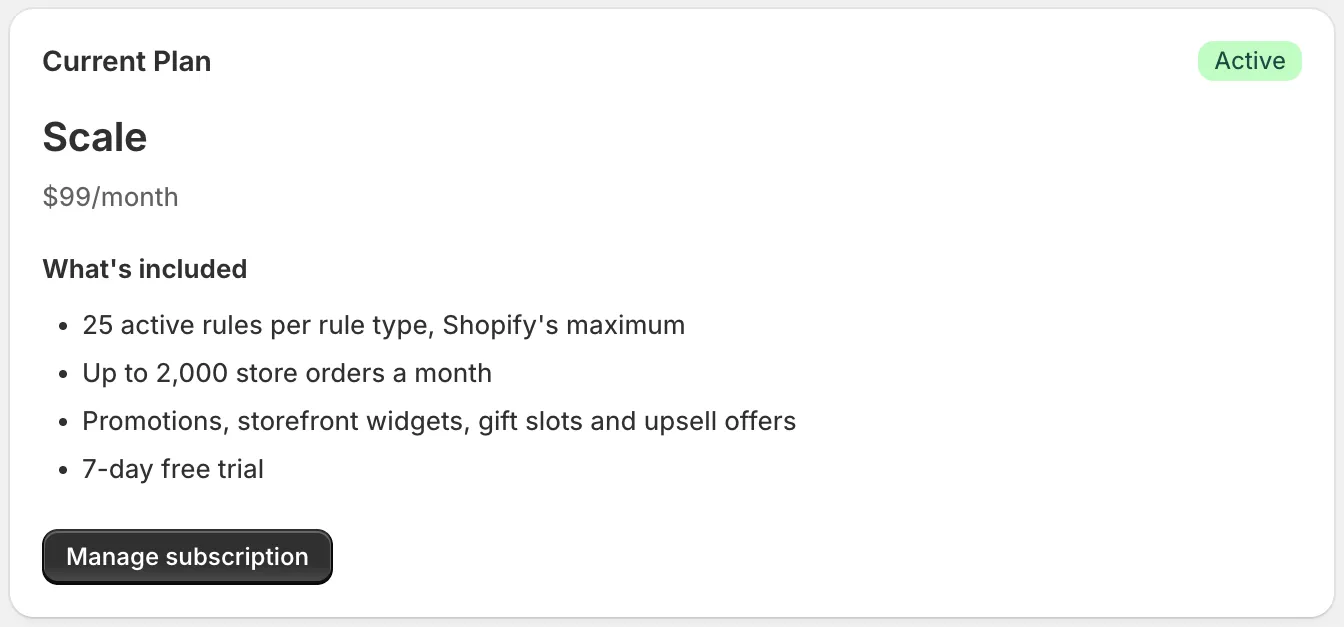
Open Plan and click Manage subscription.
Shopify’s plan page opens.
-
Pick a plan and approve the charge in Shopify.
An upgrade starts at once. To stop paying, pick Free or uninstall AndOr.
Downgrading
Caution Moving to a smaller plan or to Free turns off all your active rules, not only the ones over the new limit. Turn back on the ones that fit the new limit.
Questions
Who bills me?
Shopify. The charge appears on your Shopify bill. You don’t enter a card in AndOr.
Can I cancel any time?
Yes. Pick Free or uninstall AndOr.
Which currency are prices in?
US dollars.
Does the trial restart if I reinstall?
No. You only get the trial days you had left.
Can I test on a development store?
Yes. On a development store you can test your current plan’s features for free. When the store moves to a paid Shopify plan, all active rules are turned off. Pick a plan in the app and turn your rules back on.