 See it in action
 Tiered rewards rule
“Unlock free shipping, gifts and order discounts at different cart amounts.” One discount rule pays every tier the cart reaches. For example: free shipping from one amount, a free gift from a higher one, and 10% off the order at the top.
Tip Most stores set this up as a promotion, which also adds the goal bar and gift widgets to your store. See the Tiered rewards promotion. This page covers the rule itself, under Rules.
Before you start
- Decide your tiers and the cart amount (or item count) for each.
- For gift tiers, pick the gift products. A free gift has no sale price or badge. To show it in the cart, create a Gift offer for it on the Upsell offers page.
Set it up
-
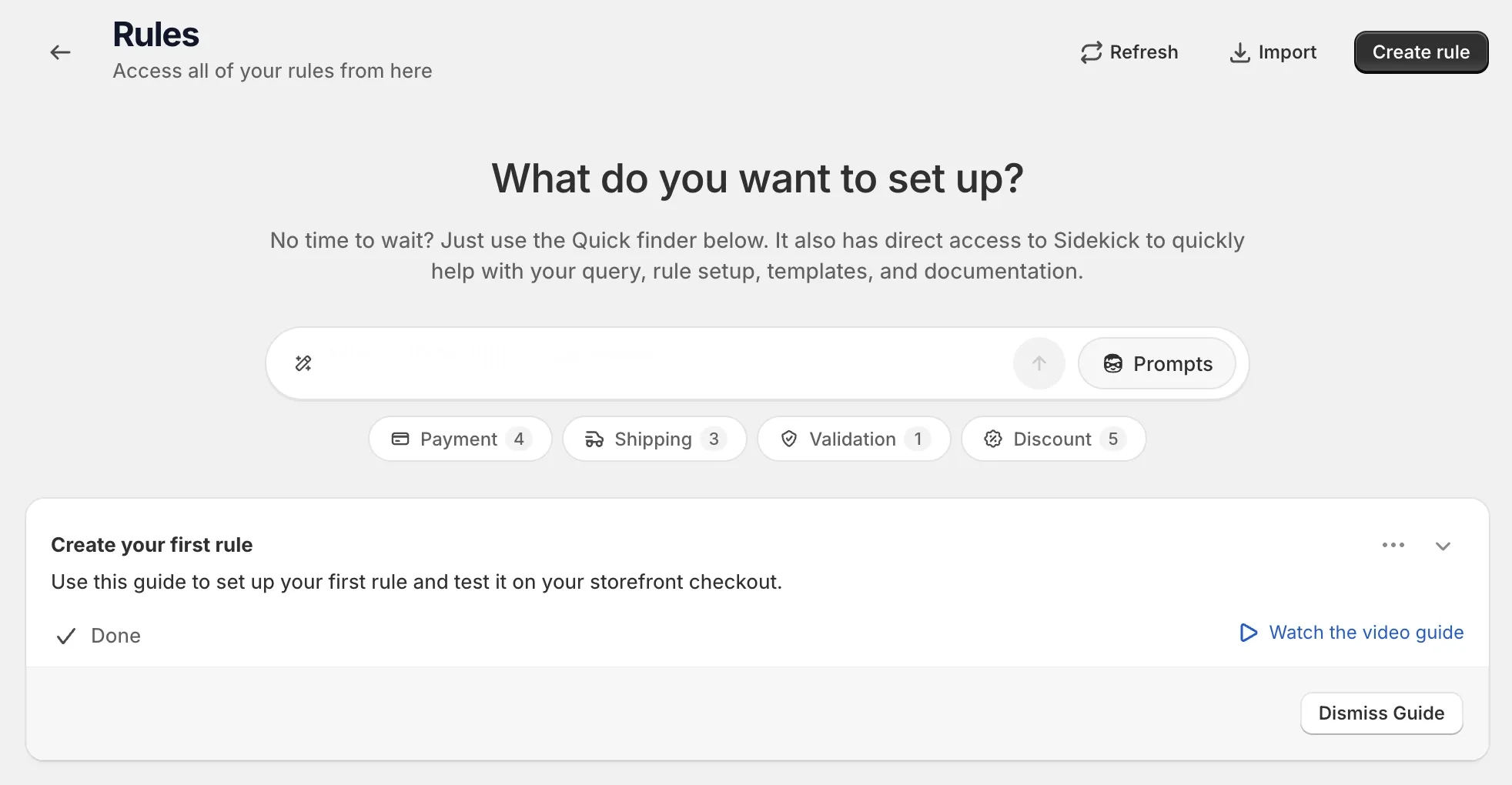
Open Rules and click Create rule.
-
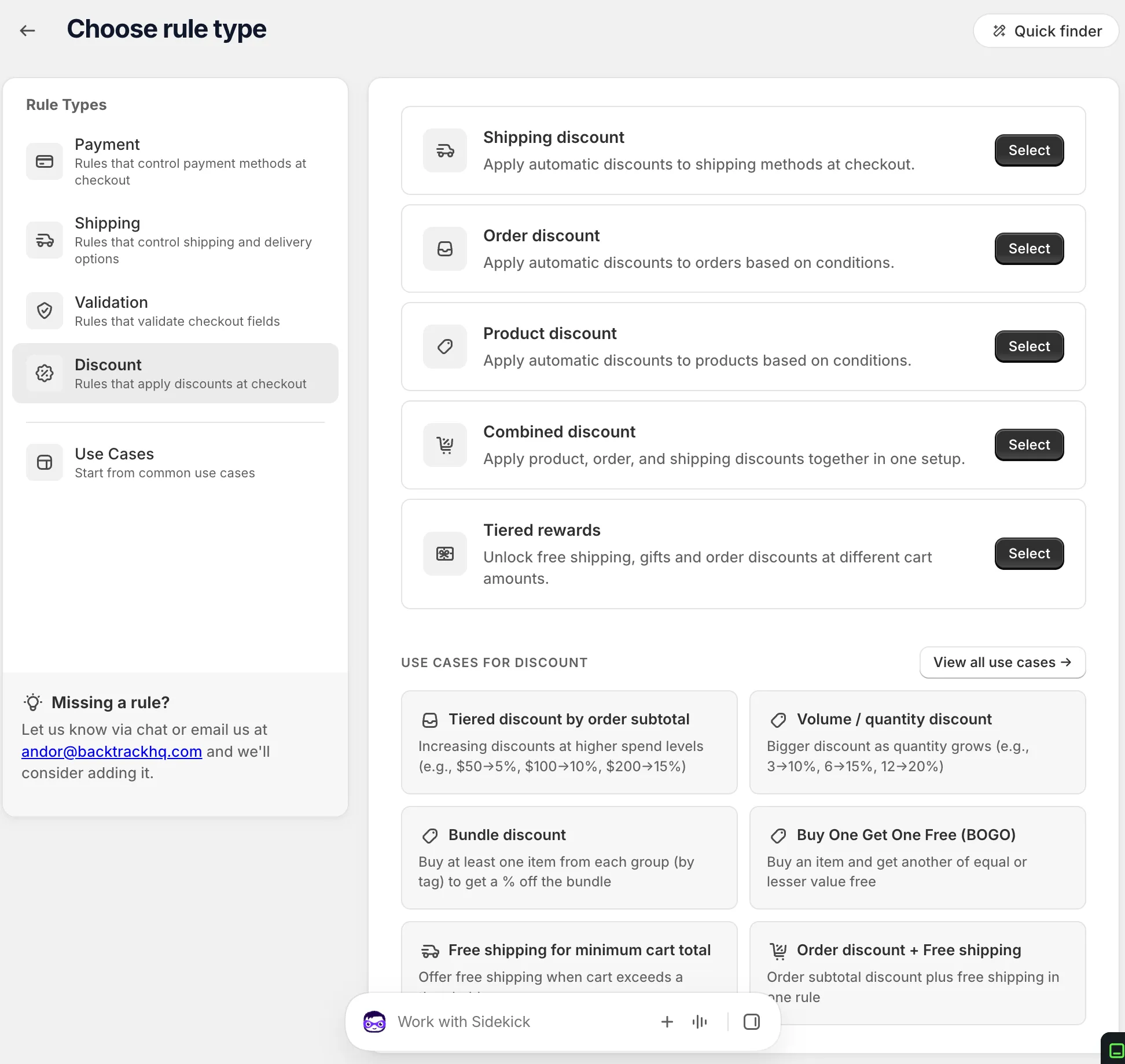
Under Discount, find Tiered rewards and click Select.
-
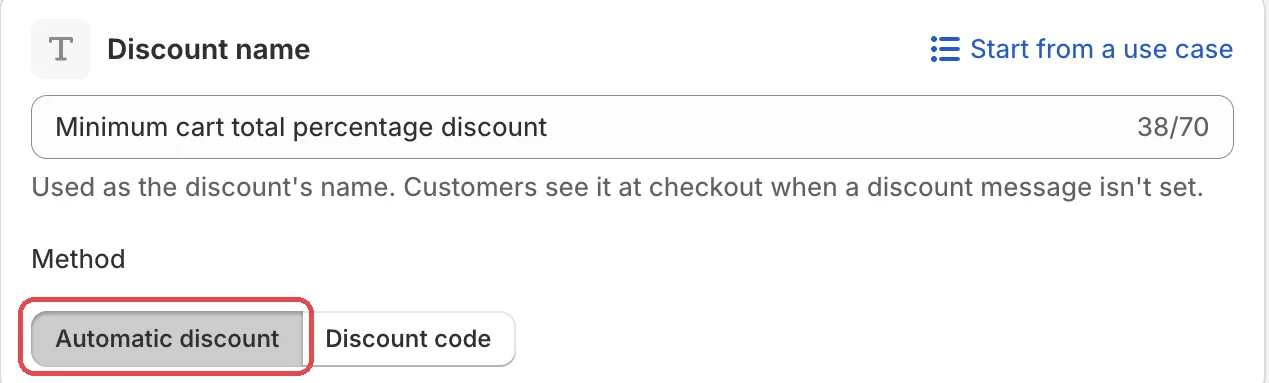
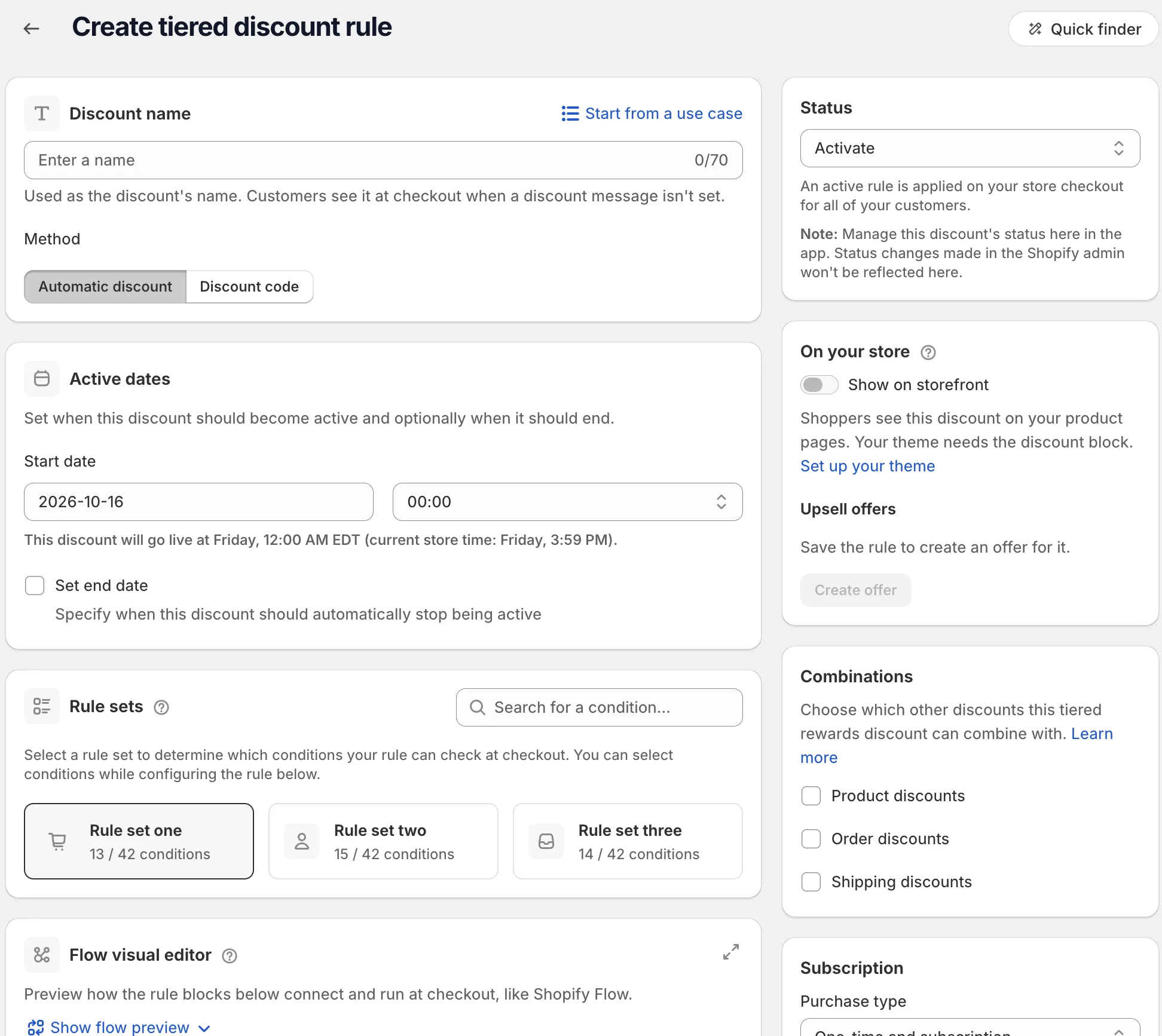
Name the discount and pick the Method.
Choose Automatic discount or Discount code. For a code, type it or click Generate random code. Or click Start from a use case to fill in the whole form. See Start from a use case.
-
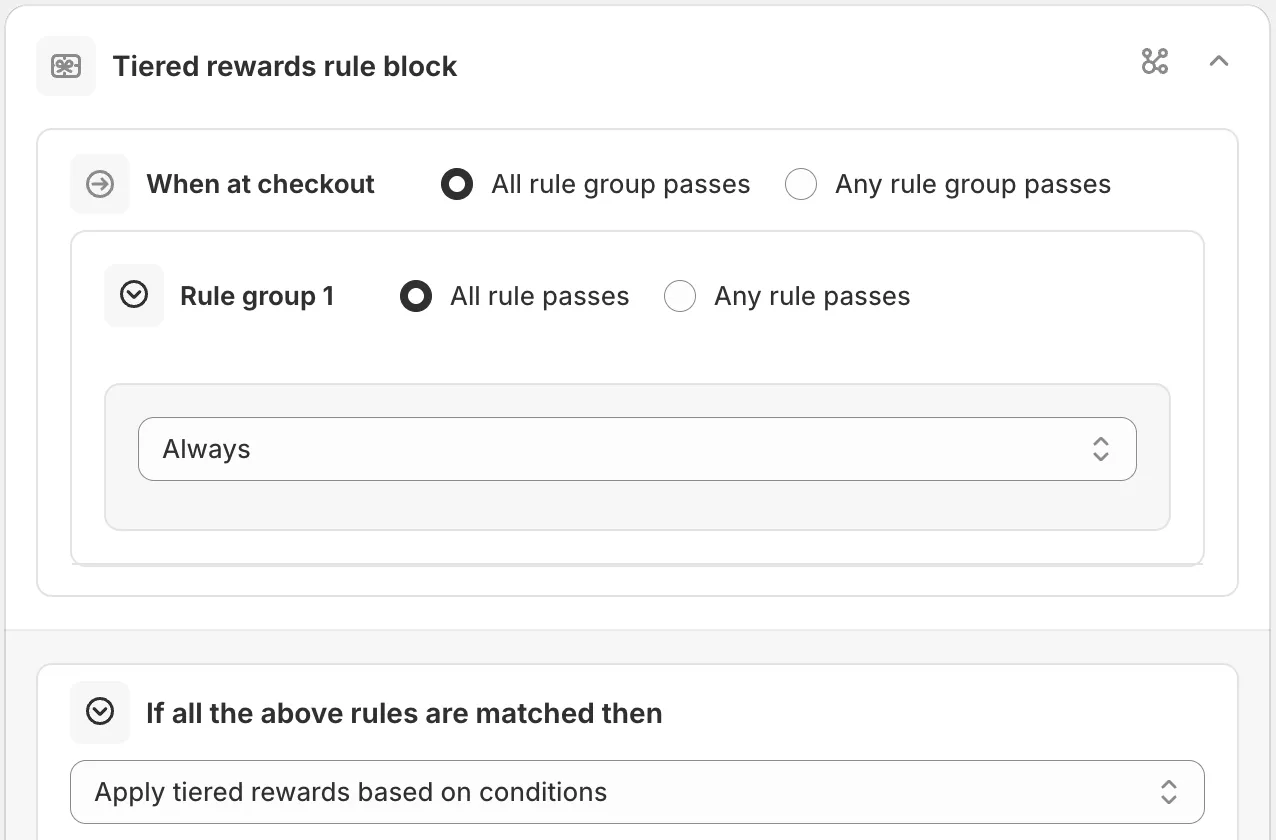
Pick a rule set and add your conditions.
In Rule sets, pick the set with the conditions you need. One-time only and Subscription only purchase types need rule set two. Then, under When at checkout, use Always to offer the tiers to every cart.
-
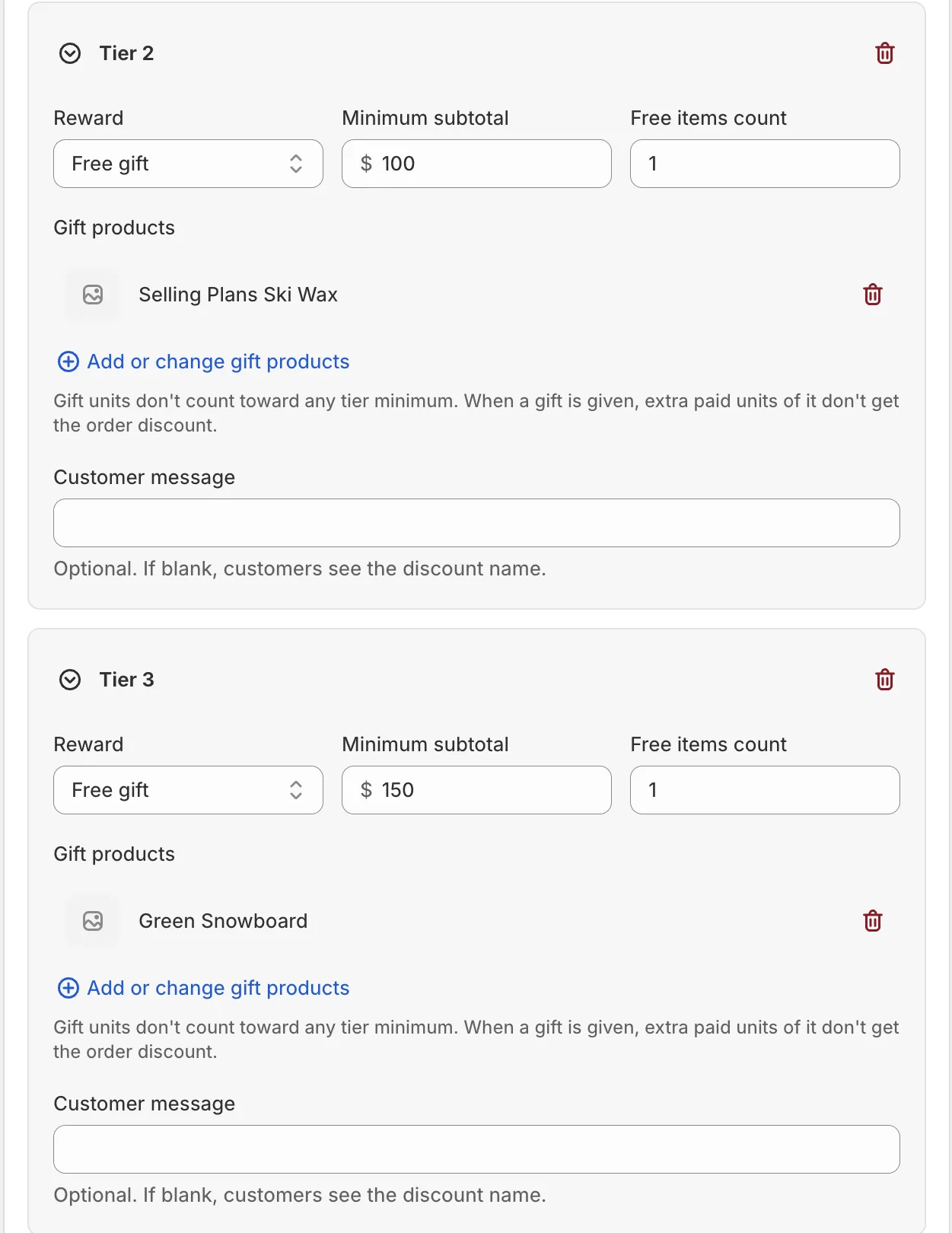
In the Tiered rewards card, set the Threshold type and add your tiers.
For each tier, pick a Reward and a minimum. Use Add tier for more. Then set the side cards: Combinations, Purchase type and, if needed, Active dates.
-
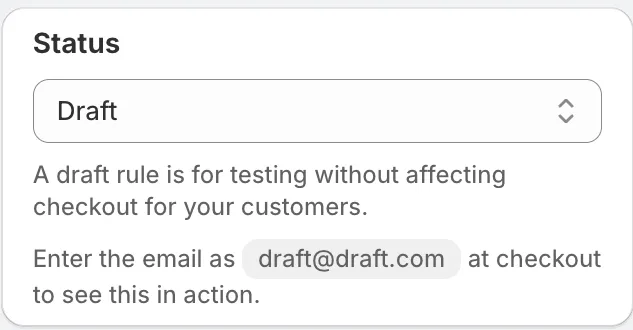
Save it as a draft, test it, then activate it.
In the Status card, choose Draft and save. Then go to checkout on your store and enter the test email from the rule’s Status card. Only this email sees a draft rule. Build carts that reach each tier and check the rewards.
When it works, choose Activate in the Status card and save.
Actions
Apply tiered rewards based on conditions
The only action for this rule type. When the conditions match, every tier the cart reaches pays out.
Settings
Threshold type
What the tier minimums measure.
Options: Quantity, Spend (subtotal).
“Measured before discounts. Gift units never count.”
Exclude items already on sale
“Items with a compare-at price don’t count or get money off.”
Product eligibility
Which products count. “Excluded products don’t count toward a minimum or get money off. Gifts are still given.”
Tiers
“Each tier unlocks its reward when the cart reaches its minimum. For shipping and order discounts, the reached tier with the highest minimum pays.” You can add up to 6 tiers.
Reward
Options: Free shipping, Shipping discount, Order discount, Free gift.
Up to 3 tiers per rule can be gift tiers.
Minimum subtotal or Minimum quantity
The cart amount (or number of items) that unlocks the tier.
Gift products and Free items count
For Free gift tiers. Click Add or change gift products, and set how many free items the shopper gets. Gift units don’t count toward any tier minimum.
Customer message
Optional. If blank, shoppers see the discount name. It has a Translate button.
Purchase type
Options: One-time and subscription, One-time only, Subscription only. Default: One-time and subscription.
Maximum discount uses, Active dates, Combinations
These side cards work the same as on a product discount. See Product discount.
Examples
Open Start from a use case on the rule page and pick:
- Tiered rewards: free shipping at one amount, a free gift at a higher amount, another gift above that, and 10% off the order at the top. Change the amounts to fit your store.
For more ready-made tiers, start from the Tiered rewards promotion.
Limits
The Limitations card on the rule page lists:
- “Minimums use cart prices before any discount.”
- “A cart line takes one product discount, so a bigger product discount can replace a free gift.”
- “Combining with other discounts follows the Combinations settings.”
- “Draft order checkouts are not supported.”
See Limits.